Board climbing apps compared
View as markdownBoard climbing has been rediscovered as a training tool over the last few years. It began in dusty cellars on gnarly, self-made wooden holds. Ben Moon standardised the idea in 2005 with a 40° wooden board built out of the Sheffield School Room, and in 2016 he bolted an app and an LED kit onto it. That combination is what every board sold since has copied: ergonomic holds, an adjustable angle, a light behind every hold, and a phone app to drive them.
The boards are good. The apps, mostly, are not. Below is what you get with each one, what it costs, and where it hurts.
Criteria
- Boards — which walls the app can drive
- Platform — iOS, Android, or somewhere else entirely
- Content — how many gyms and boulders come with it
- Features — logbook, filters, lists, beta video, LED control
- Rating — the US App Store score, read on 4 September 2026
- Usability — how much it gets in the way during a session
- Look and feel — whether it behaves like a modern, native app
The LED boards
These apps come with the wall. You do not choose them, you inherit them from whichever board your gym bought.
| App | Platform | Boards | Content | Price | Rating | Verdict | |
|---|---|---|---|---|---|---|---|
 | MoonBoard | iOS · Android | MoonBoard 2016/2017/2019/2024, Mini 2020 | Global problem list, moderator-curated benchmarks | Free | 1.5 (204) | Great board, tired app |
 | Kilter Board | iOS · Android | Kilter Board | Thousands of climbs, most of the old logbooks gone | Free | 1.5 (26) | Rebuilt in a hurry, still rough |
 | Tension Board 2 | iOS · Android | Tension Board 2 | Full catalogue, beta videos linked from Instagram | Free | 3.6 (63) | The one that just works |
MoonBoard
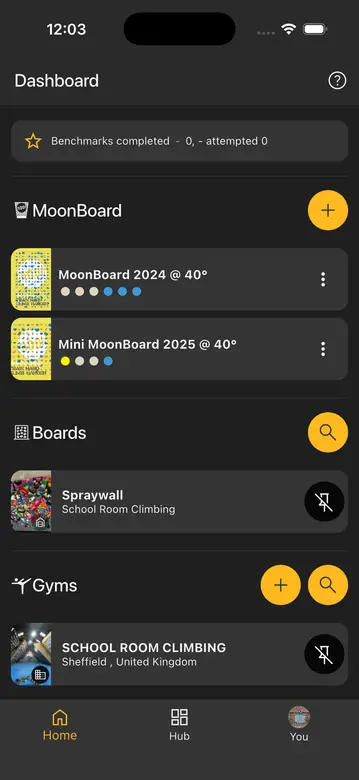
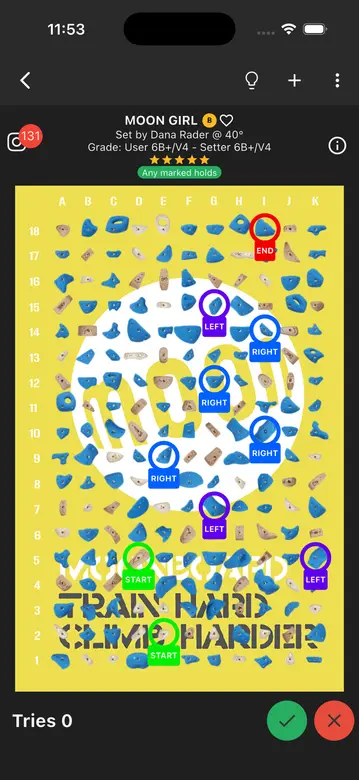
The MoonBoard was the first standardised board, and it is still an excellent training tool. The app is not on par with it.
Bluetooth is flaky. Moon's own FAQ answers "why doesn't the app see the MoonBoard Bluetooth LED control box" with advice to force-quit the app and log out again, which tells you how routine the problem is. Logins are the other recurring theme: the same FAQ has entries for why you cannot log in, what your username is, and how signing in with Apple or Google quietly creates a second account without your logbook. Reviewers report that a 2025 update finally allowed several phones to stay connected to one board at the same time, which used to make a session with three people properly annoying.
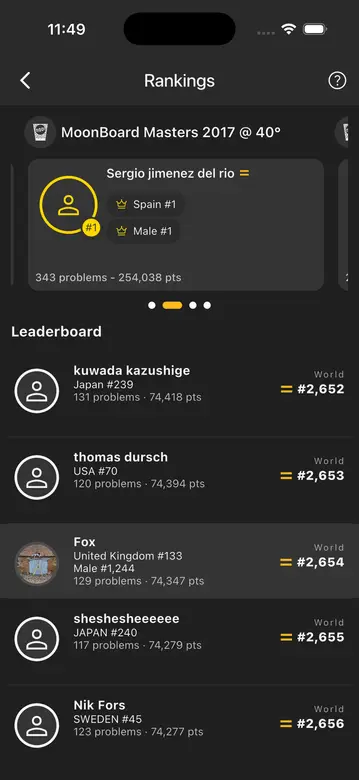
Beyond that, the app is basic. It browses, it filters, it lights up holds, it keeps a logbook. The interesting part of the MoonBoard, the fact that everyone in the world climbs the same problems, is locked up: benchmarks are curated by a small group of moderators.
Kilter Board
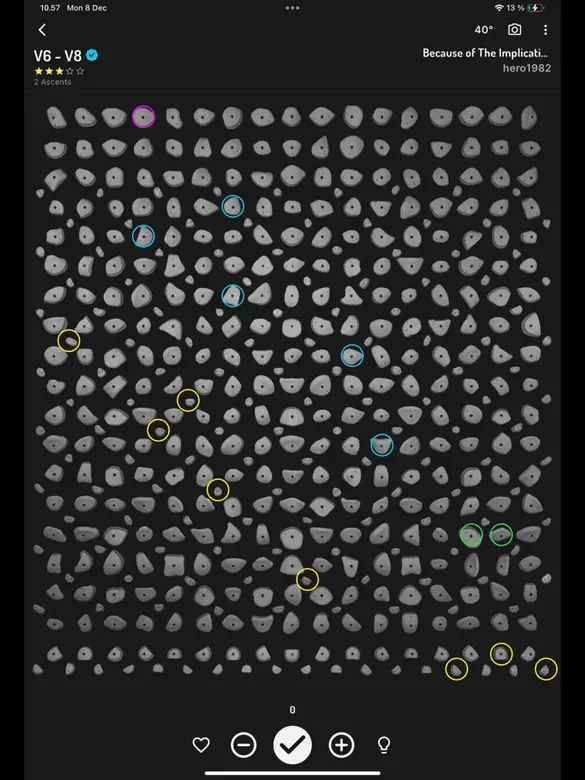
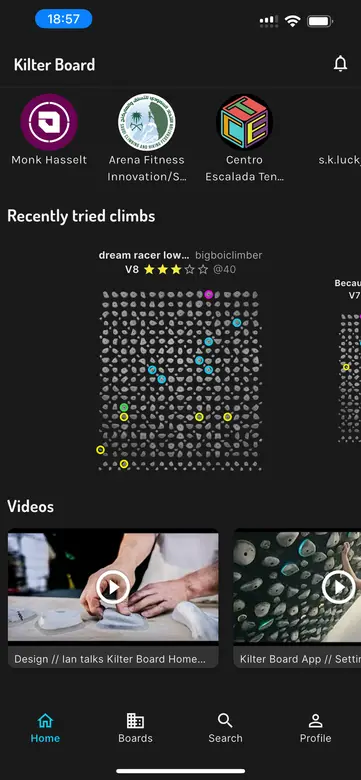
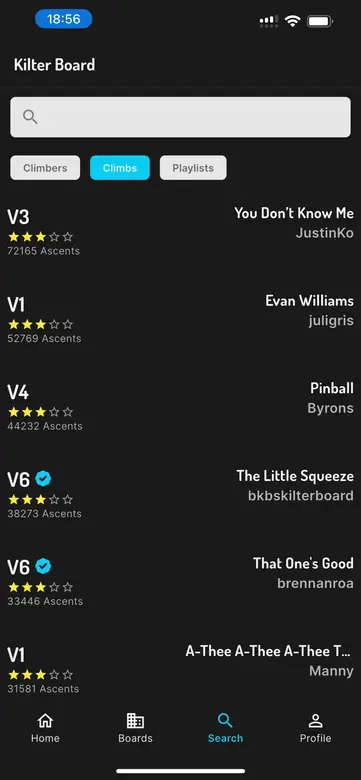
Kilter is the most popular commercial board in gyms, and its app went through the worst year of any app on this list.
Until March 2026 the Kilter app was built and operated by Aurora Climbing, a separate company that also built the apps for Tension, Grasshopper, Decoy, So iLL and Touchstone. The two had worked together on a verbal agreement since 2018 and had been in and out of lawsuits since 2023. On 19 March 2026 Kilter sent Aurora a cease and desist over its trademarks. Aurora read that as a demand to stop operating an app whose bundle id, name and API host all contained the word "Kilter", and on 26 March it shut the server down and pulled the app from both stores.
Every ascent logged in that app over twelve years disappeared from view the same morning. Kilter shipped its replacement within hours and later said publicly that it had wanted more time to polish it. That shows. The new app has a few things the old one did not, including verified climbs, five-star ratings instead of three, and a V-scale/Font toggle. It also has 1.5 stars, and reviews from the last few weeks still describe disconnects every minute, freezes and crashes.
The boulders are recoverable: you can claim the ones you set at kilterboard.io/claim. Personal history is a different story. Aurora will email you a JSON export if you ask, and third-party sites will render it, but the official app has no import for it. A Colorado judge dismissed Kilter's suit on 30 March 2026 for want of jurisdiction; Aurora's case in British Columbia continues.
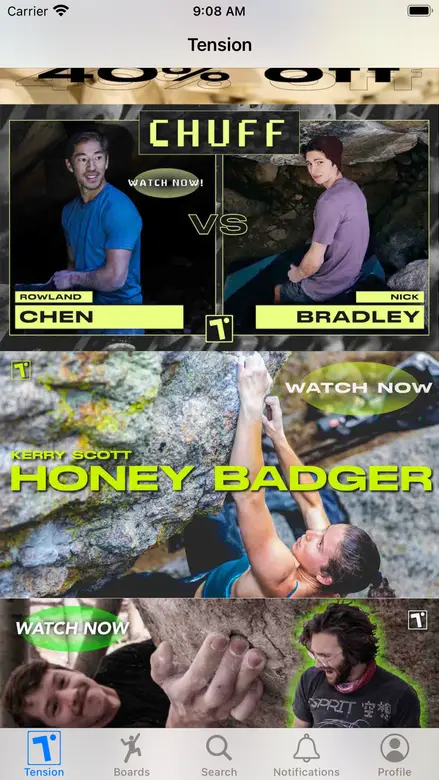
Tension Board
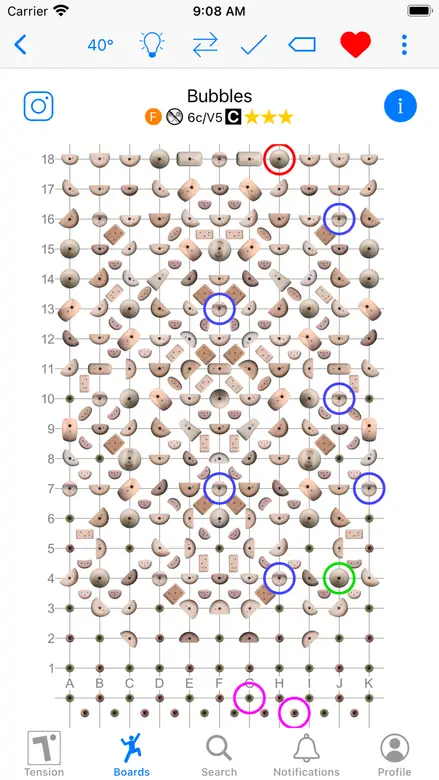
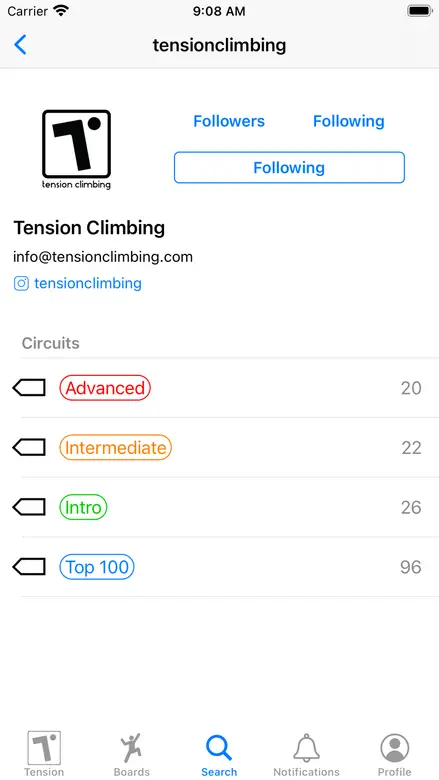
The Tension Board is the spiritual child of the other two. Wooden and plastic holds, much more ergonomic than the MoonBoard's, plus the dedicated footholds that make Kilter climbing flow. It is still an Aurora app, and it shows in the best way. Changing between boulders when several people share a board works reliably, the logbook is quick, and lists and circuits per angle are easy to build.
It is not perfect. Beta videos are pulled from Instagram, which works when it works, and setting a new boulder wants you standing in front of the board. But it is the only first-party board app here that stays out of the way of a good session, and 3.6 stars in this company counts as a strong result.
The spraywall apps
Spraywalls have no LEDs and no fixed layout, so the app has to solve a harder problem: turning a photo of a chaotic wall into something you can tap holds on. Most of them now do that with hold detection; the rest make you circle every hold by hand.
| App | Platform | Walls | Hold detection | Price | Rating | Verdict | |
|---|---|---|---|---|---|---|---|
 | Stōkt | iOS · Android | Gym and home spraywalls | ✅ | $40–$300 per wall by hold count, Pro $20/mo | 4.8 (957) | Solid, and you pay per wall |
 | Crux | iOS · Android | Spraywalls and regular gym walls | ✅ | Free for home walls, $8/wall/mo or $40/gym/mo | 5.0 (16) | Detection is the reason to use it |
 | Retro Flash | iOS · Android | Symmetrical, adjustable and private walls | ❌ | Free, paid wall upgrades | 4.7 (226) | Most features, oldest feel |
 | Sprai | iOS · Android | Private, shared and public walls | ✅ | Free with in-app purchases | 4.0 (3) | Early, but the scan is good |
 | BoulderBook | iOS · Android | Spray and home walls | ❌ | Free, with in-app purchases | 4.0 (9) | Fine, and showing its age |
Stōkt
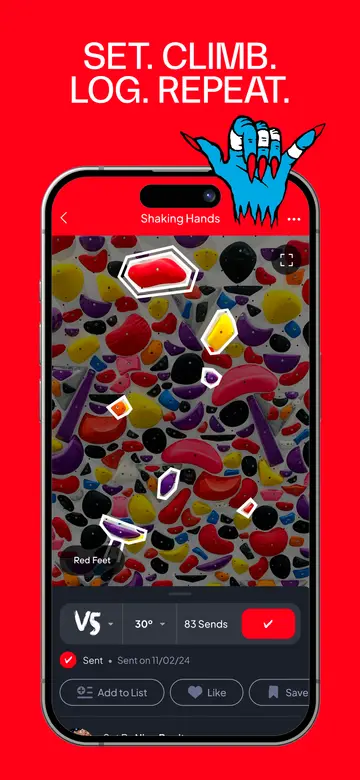
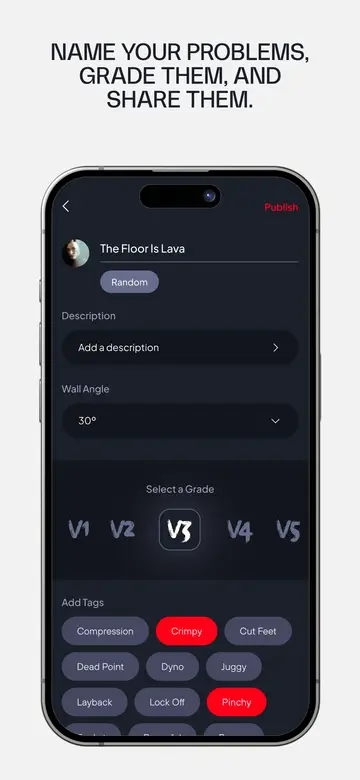
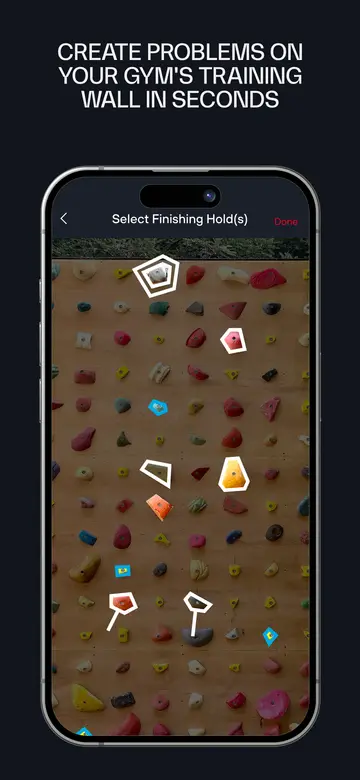
Stōkt is the established one, for gym spraywalls and home walls alike, and 4.8 stars from 957 ratings is by far the strongest score here. The app is solid, has a few quirks, and a distinct visual style you will either like or not.
Stōkt has caught up on detection. The front page now promises that you photograph the wall and it maps the holds for you, with the wall ready to set on in minutes.
The catch is the business model, which has not moved with it. Walls are still sold by hold count: $40 up to 100 holds, $60 to 200, $100 to 600, $200 to 1000, $300 to 1500, and a conversation above that. A full reset is a separate order at the same prices, and the add-a-wall instructions still read "select your wall size and purchase the right size", then send photos and wait while Stōkt digitises them. Gyms that want official lists, competitions, adjustable angles or LED walls pay $20 a month on top for Stōkt Pro.
Crux
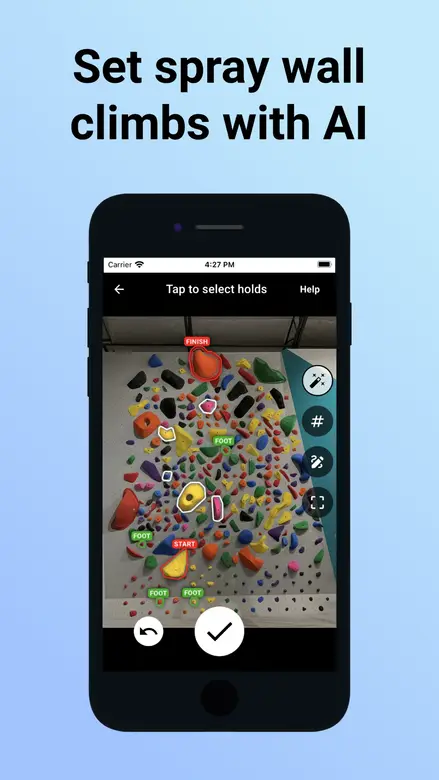
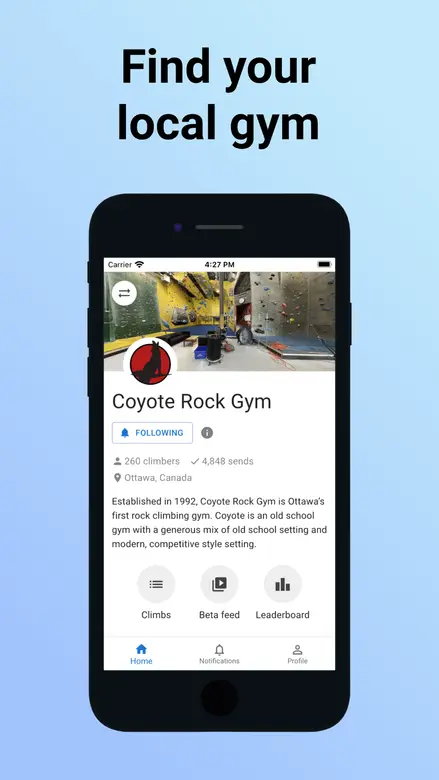
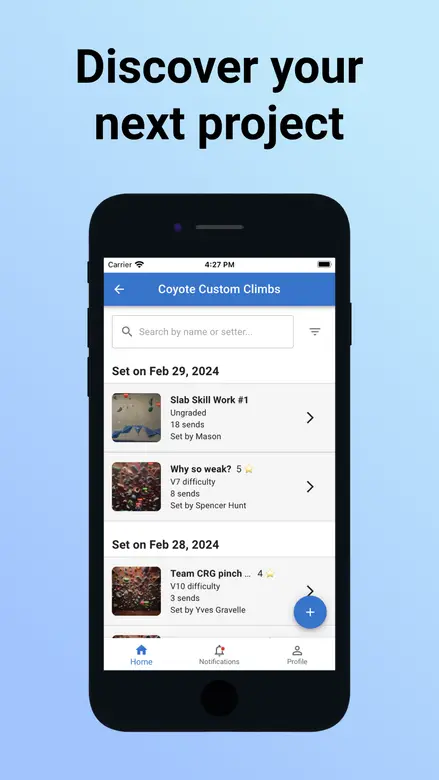
Crux takes a photo of the wall and finds the holds for you, which is the feature the rest of this category is being measured against now. It claims 200+ partnered gyms and 133,000+ climbs set. Home walls are free, gyms pay $8 per spraywall per month or $40 a month for the whole gym, and resets are unlimited and free at every tier. The free tier caps climbers at two climbs a day.
In practice the scanning is fine but not particularly accurate, so expect to fix up its selection. The app itself is fine too, and looks a bit outdated next to what it is doing under the hood.
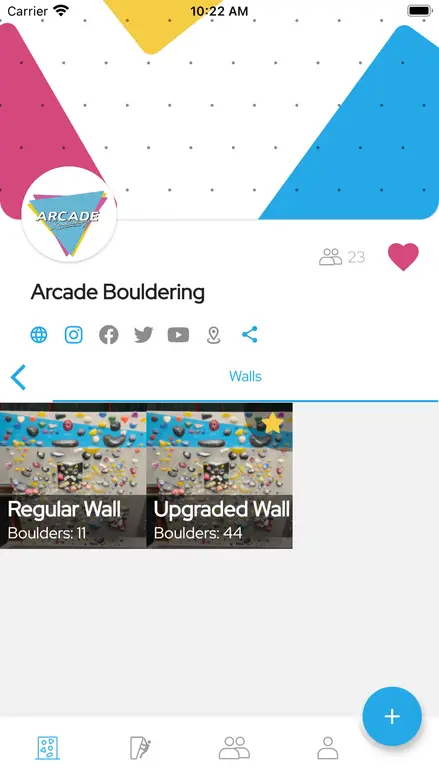
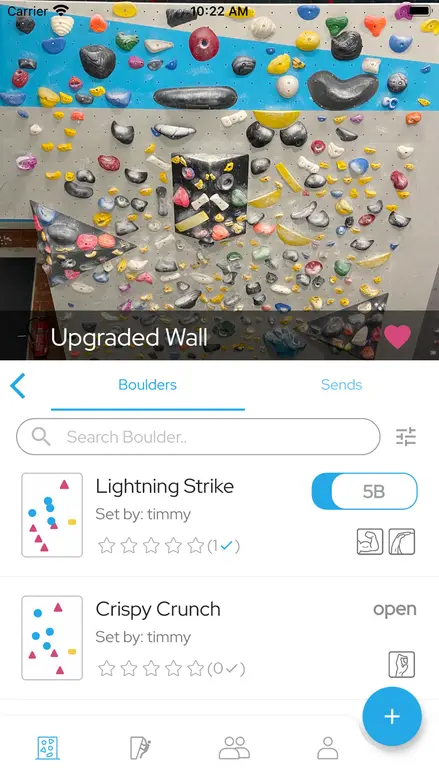
Retro Flash
Retro Flash has the longest feature list of anything here: symmetrical and partly symmetrical walls, adjustable angles, private walls, circuits and competition boulders, and support for Font, Dankyu and Hueco grades, plus your own scale or none at all. 4.7 stars from 226 ratings says the people using it are happy.
It is an okay app that looks dated, and there is no hold detection, so a dense wall is a lot of tapping. Extra wall capabilities come as paid upgrades.
Sprai
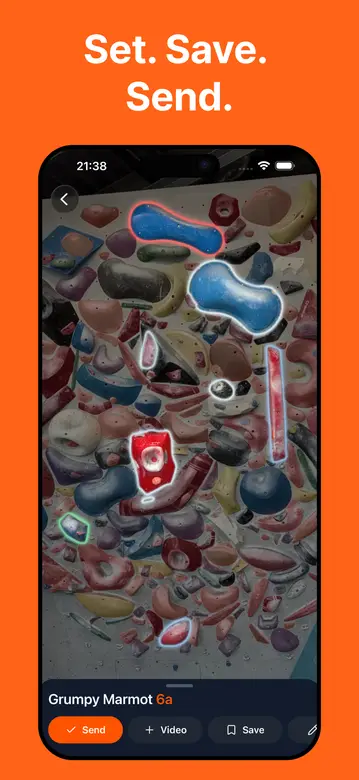
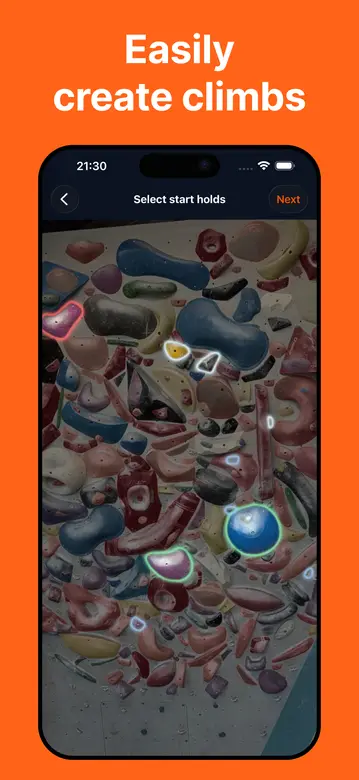
Sprai is the newest thing here, on iPhone and Android, and it is aimed squarely at home walls. Photograph the wall, let it detect the holds, tap out a boulder. It also attaches beta video to the boulder itself instead of leaving it in your camera roll, which is a good idea, and it handles private, shared and public walls.
It is early. The app is a bit buggy, the scan is slow, and the zoom behaves strangely. The scan results themselves are good. Three App Store ratings and 100+ Play downloads mean you will mostly be climbing on your own wall with your own friends, which for a home wall is the point.

BoulderBook
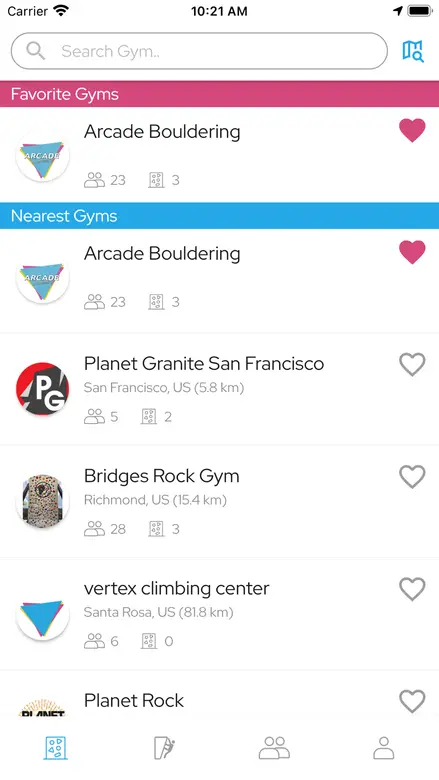
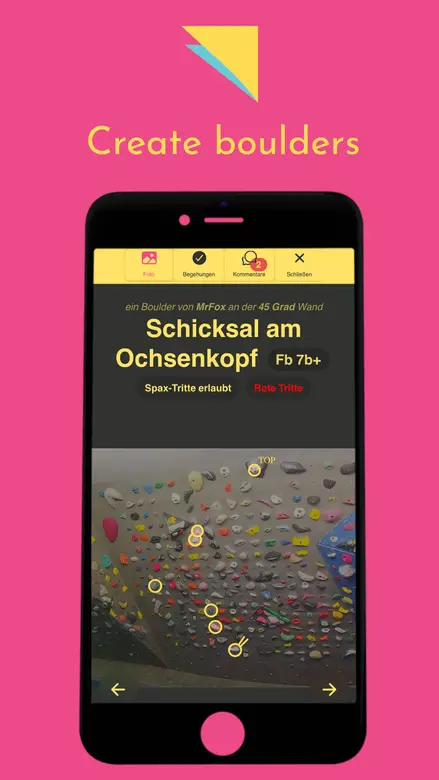
BoulderBook has been going since 2019, is on both platforms, has 10K+ Play downloads, and costs nothing to use, though the App Store lists in-app purchases. You photograph the wall and draw the holds on, then share, browse, rate, tick and comment. All of that works.
There is no hold scanning, and the whole thing feels a bit dated now. If your crew is already on it, there is no urgent reason to move. If you are starting today, the apps that find the holds for you will save you an evening.
Third-party clients
March 2026 made the case for these better than any of their READMEs could.
Boardsesh is a web app, with an iOS build, covering Kilter, Tension and the MoonBoard from one place. It aggregates beta videos from Instagram and TikTok against the climbs, does playlists, and it published an Aurora migration tool that renders the JSON export Aurora hands out. It is Apache-2.0 on GitHub.
CruxCoach is the more radical answer: a GPL-3.0 Android app that speaks Bluetooth to seven boards (Kilter, MoonBoard, Tension, Grasshopper, Decoy, So iLL, Touchstone), syncs their catalogues for offline use, and keeps your logbook in an encrypted database on the phone. No account, no Google services, identity is a keypair you hold. It is not on the Play Store, which is the point rather than an oversight.
Neither is affiliated with a board maker, so both live at the mercy of the APIs they talk to. That is a real risk. It is also, after this year, not obviously a bigger risk than the official option.
Disclosure
I build OwnClimb, a climbing-hold detection product. If the hold detection is the part you care about, OwnClimb is an API for exactly that: photograph a wall, get the holds back, build whatever you want on top. That is the piece most of these apps either bolt on or skip.
Sources
- What Really Caused the Kilter-pocalypse?, Climbing, updated 2 August 2026
- Kilter–Aurora: The Truth Behind the App's Disappearance, Vertige Media, 7 April 2026
- New Kilter Board App, Kilter press release via Climbing Business Journal, 31 March 2026
- Aurora Climbing Inc. v Kilter, LLC, 2026 BCSC 290
- Kilter Board Climbing Wall App and its claim page
- What is the MoonBoard? and Using Your MoonBoard App, Moon Climbing
- Stōkt on automatic hold mapping, with Add your wall, How to add a wall and Stōkt pro
- Crux for gyms and Crux for home walls
- App Store listings for MoonBoard, Kilter, Tension Board 2, Stōkt, Crux, Retro Flash, Sprai and BoulderBook, read 4 September 2026